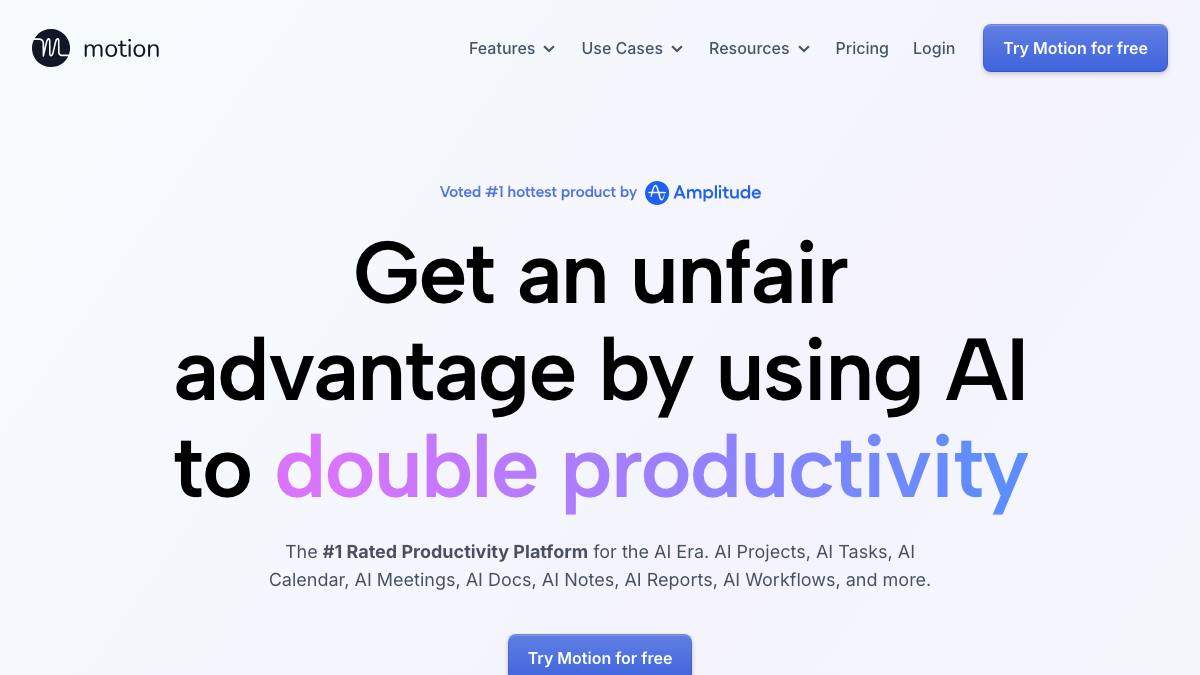
Motion
by Motion (usemotion.com)
AI calendar and project manager that auto-schedules work, with AI agents
Last reviewed 2026-06-18
Motion is a work app that combines AI calendar, task and project management, meeting tools, docs, and notes. Its core differentiator is automated scheduling that rearranges tasks across your calendar by deadline, urgency, and availability. As of 2026 Motion also offers AI Employees: prebuilt and custom agents for roles like sales, support, marketing, project management, HR, and research that can draft outreach, follow up leads, update CRM records, book meetings, and advance workflow steps. Motion's scheduling is a supervised agent (it reorganizes your time blocks but you stay in control), and its AI Employees perform multi-step work that, in practice, runs against connected systems with human oversight on consequential actions.
What it can do
Auto-schedule tasks across the calendar
SupervisedRearranges tasks automatically by deadline, urgency, and availability across Google, Outlook, and Apple calendars, with kanban, list, and Gantt views.
sourceManage projects and tasks
AssistantProvides task management with priorities, deadlines, and dependencies, plus AI projects, docs, notes, and reports.
sourceRun AI Employees for role-based work
SupervisedPrebuilt and custom agents draft outreach emails, follow up leads, update CRM records, book meetings, convert docs into tasks, and advance dependent workflow steps.
source
Strengths
- +Combines auto-scheduling, project management, and AI agents in one app
- +Automated scheduling genuinely offloads time-blocking
- +AI Employees extend it from planning into doing work (outreach, CRM, follow-ups)
Limitations
- −Pricing has multiple confusing tiers, and AI Employees plans add meaningful cost
- −The combined app can feel heavy versus a focused calendar or PM tool
- −AI Employee autonomy depends on setup and oversight; consequential actions need human approval
Overview
Motion combines an AI calendar, task and project management, meetings, docs, and notes, with automated scheduling as its core differentiator.
What it does
It rearranges tasks across your calendar by deadline, urgency, and availability, manages projects with kanban/list/Gantt views, and (as of 2026) offers AI Employees: prebuilt and custom agents for sales, support, marketing, PM, HR, and research that draft outreach, follow up leads, update CRM records, book meetings, and advance workflow steps.
Integrations & setup
Syncs Google, Outlook, and Apple calendars, plus Zoom and Slack.
Pricing
Subscription with multiple tiers: a Pro AI plan around $19/user/mo (or ~$12.73 annually) and a Business AI tier, plus separate AI Employees plans that add cost.
Best for / not for
Best for SMB and mid-market teams that want scheduling, PM, and agents in one app. Less suited to anyone wanting a single focused tool or fully hands-off autonomy.
Alternatives
Reclaim.ai focuses on auto-scheduling; Lindy builds custom agents and automations; Notion AI overlaps on docs and tasks.
What people are saying
We aggregate real LinkedIn discussion into sentiment for the agents people search most. Motion isn't tracked yet, want it added? Request tracking.
Used this agent?
Sign in to upvote, rate, follow, or leave a comment.
FAQ
What makes Motion different from a normal calendar app?+
It auto-schedules your tasks across your calendar by deadline and availability, and combines that with project management, docs, and (as of 2026) AI Employees that do role-based work like outreach and CRM updates.
Are Motion's AI Employees fully autonomous?+
They perform multi-step work against connected systems, but they run within configured roles and need human oversight on consequential actions, so they operate as supervised agents.
Sources
- Motion (official site) · accessed 2026-06-18
- Motion pricing and features (Capterra) · accessed 2026-06-18
Last reviewed 2026-06-18