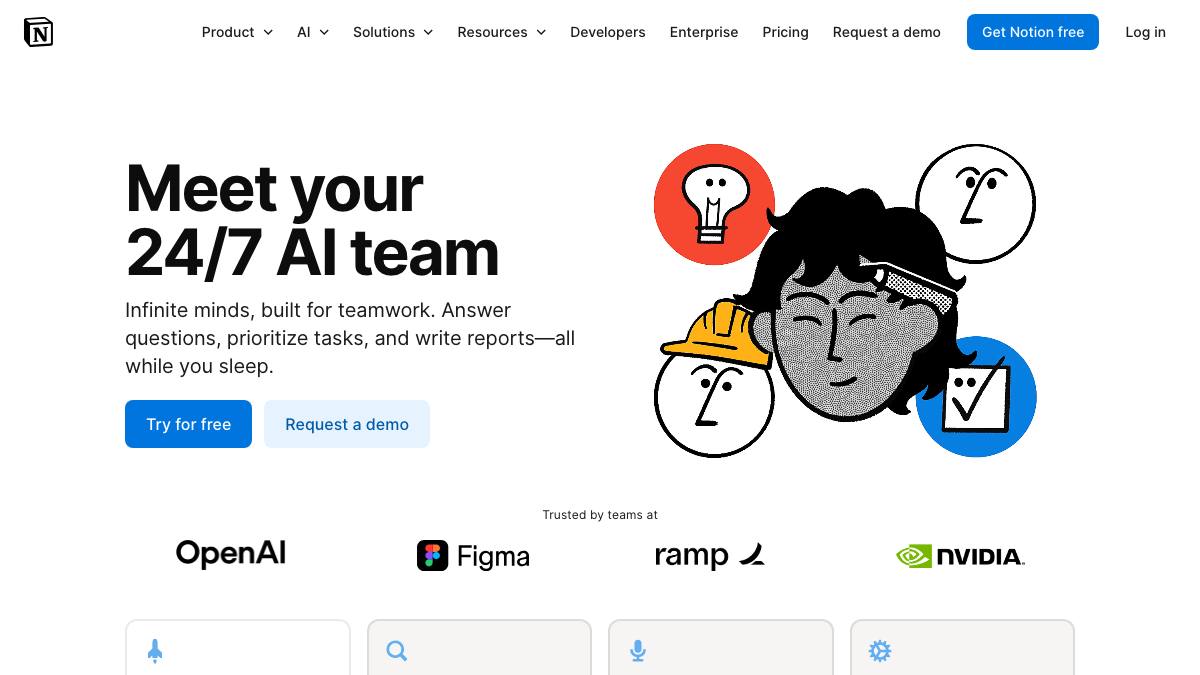
Notion AI
by Notion Labs
AI in the Notion workspace for writing, search, meeting notes, and team agents
Last reviewed 2026-06-18
Notion AI is an AI layer embedded directly in the Notion workspace. It uses context from your pages, databases, and connected apps to assist with work without switching tools. Core capabilities include inline writing and editing AI blocks, workspace-wide Q&A and enterprise search across Notion and connected apps such as Slack, Google Drive, and GitHub, AI meeting notes (transcription and summaries), a research mode for longer reports, and database autofill. Each AI task is routed to a model behind the scenes, with multi-model access (GPT and Claude families, plus an Auto option that picks the best model per task). Newer agent features extend beyond assistant behavior. A Notion Agent performs complex multi-step tasks using workspace context, and Custom Agents automate recurring team work (answering questions in Slack, routing tasks, posting project updates) on schedules or triggers. Most everyday usage is assistant or copilot; the agent features are supervised in practice, configured and scoped by a person.
What it can do
Assist writing and editing inline
AssistantAI blocks draft, rewrite, summarize, and improve content directly inside Notion pages.
sourceAnswer questions and search across the workspace
CopilotQ&A and enterprise search retrieve answers across Notion and connected apps like Slack, Google Drive, and GitHub.
sourceCapture and summarize meetings
AssistantAI meeting notes transcribe conversations and surface summaries and action items automatically.
sourceAutomate recurring work with Custom Agents
SupervisedConfigurable agents create and edit pages and databases and take action on schedules or triggers, such as answering in Slack or routing tasks.
source
Strengths
- +Tightly integrated into a workspace people already use, so AI has rich, native context
- +Multi-model access with automatic routing means strong models without managing them
- +Custom Agents extend from assist-me to doing recurring work for the team without code
Limitations
- −Real AI value is gated behind the Business/Enterprise tier and, for agents, a new credit-based add-on
- −Quality and context are bounded by what is in your Notion workspace and connectors; weak for work outside Notion
- −Agent automation is newer and supervised, and credit consumption can be hard to predict
Overview
Notion AI is an AI layer embedded in the Notion workspace, using context from your pages, databases, and connected apps. It targets teams already using Notion.
What it does
Inline AI blocks draft and edit content (assistant). Q&A and enterprise search answer across Notion and connected apps (copilot). AI meeting notes transcribe and summarize. Custom Agents automate recurring team work on schedules or triggers and can create and edit pages and databases (supervised-agent). Each task is routed to a model, with multi-model access and an Auto router.
Integrations & setup
Connectors to Slack, Google Drive, GitHub, Asana, and Gmail (via Notion Mail), plus the Notion API. It uses multiple frontier models (GPT and Claude families).
Pricing
Notion AI is bundled into the Business plan (reported around $18/member/mo). Custom Agents move to a usage-based Notion Credits add-on.
Best for / not for
Best for teams that live in Notion and want AI with native workspace context. Less useful for work that lives outside Notion, and agent costs can be hard to predict.
Alternatives
Lindy targets cross-app AI assistant work; Relevance AI targets governed multi-agent builds.
What people are saying
We aggregate real LinkedIn discussion into sentiment for the agents people search most. Notion AI isn't tracked yet, want it added? Request tracking.
Used this agent?
Sign in to upvote, rate, follow, or leave a comment.
FAQ
What models does Notion AI use?+
It uses multiple frontier models (GPT and Claude families) with an Auto option that routes each task to the best-suited model.
Is Notion AI an agent or just a writing assistant?+
Both. Most features are assistant or copilot (writing, search, meeting notes); Custom Agents add supervised, trigger- and schedule-based automation that acts on your workspace.
Sources
- Notion AI (product page) · accessed 2026-06-18
- Notion AI help center · accessed 2026-06-18
- Notion pricing · accessed 2026-06-18
Last reviewed 2026-06-18