Lutra
by Lutra AI
Code-first AI agent that turns plain English into running workflows
Code-first AI agent that turns plain English into running workflows
What it can do
Generate and run code from natural language
SupervisedTurns English instructions into code that Lutra generates and executes to complete a task, rather than only returning a conversational reply.
sourceData enrichment and CRM updates
SupervisedEnriches contacts and company data from websites and other sources and writes results back into CRMs and spreadsheets, per the official site.
sourceReusable Playbooks
SupervisedSaves common tasks as Playbooks, reusable workflows that can be scheduled and shared across an organization to standardize recurring work.
sourcePDF and document data extraction
SupervisedExtracts structured data from PDFs and documents and routes it into sheets, databases, or downstream apps, per the official site.
sourceEmail automation and outreach
SupervisedDrafts and sends personalized email outreach and manages email tasks across connected accounts, per the official site.
source
Overview
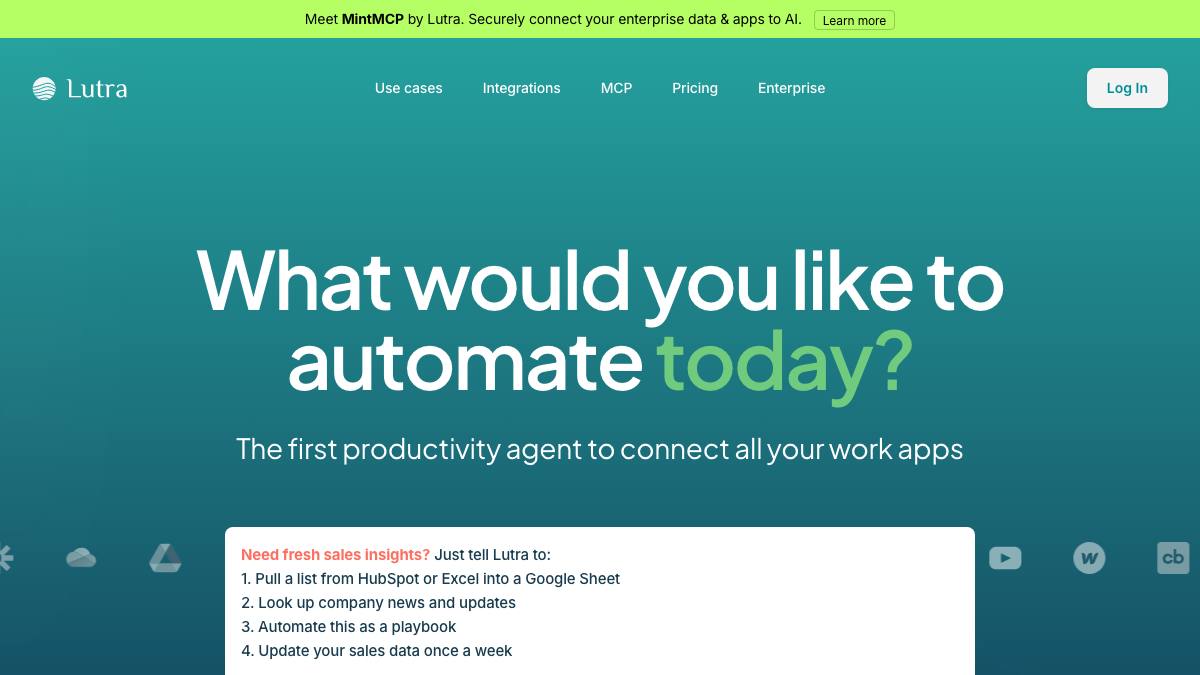
Lutra is an AI workflow agent that converts plain-English instructions into code it generates and runs to complete tasks across business apps. The company's framing is a "code-first" approach: instead of relying on the model for every step, Lutra writes and executes code, which it argues is more reliable for data work. It targets sales, marketing, finance, and operations users who want to automate repetitive multi-app tasks, and it is positioned for non-technical users while still exposing the underlying code.
Lutra was founded in 2023 in Mountain View by Jiquan Ngiam (ex-Google, ex-Coursera), Vijay Vasudevan (ex-Google), and co-founders, and raised a $3.8M seed round led by Coatue, with Hustle Fund, Maven Ventures, and angels including Andrej Karpathy and Jeff Dean (per TechCrunch).
What it does
Lutra turns a task description into generated code that it runs to enrich data and update CRMs, extract data from PDFs, scrape and enrich contacts from websites, run research, analyze data, and automate personalized email outreach. Common tasks can be saved as Playbooks: reusable workflows that can be scheduled and shared across an organization. Because the user specifies requirements and can review the generated code and the actions taken, it is best classified as a supervised agent.
Integrations & setup
Lutra connects to Google Workspace (Docs, Sheets, Gmail), Microsoft 365 (Outlook, OneDrive), Slack, HubSpot, Airtable, GitHub, and LinkedIn, and supports custom integrations via MCP, HTTP/REST APIs, and databases such as Supabase. Connections use OAuth, and the company states it is SOC 2 certified with full visibility into actions and code.
Pricing
Freemium with a flat monthly subscription for platform access plus usage-based credits for intensive operations; Professional and Custom plans can buy discounted credits on demand. Exact dollar amounts are not published on the public pricing page (the page loads prices dynamically and points to a credits help article). Check the pricing page for current numbers.
Best for / not for
Best for individuals and teams who want to automate data-heavy, multi-app workflows (enrichment, CRM hygiene, research, outreach) without writing code, while still being able to inspect the generated code. Less suited to buyers who need transparent, fixed seat pricing up front or a long-established, battle-tested incumbent.
Alternatives
Bardeen, Gumloop, and Clay overlap on data enrichment and go-to-market automation; Lindy and Relevance AI are broader agent-building platforms.
What people are saying
We aggregate real LinkedIn discussion into sentiment for the agents people search most. Lutra isn't tracked yet, want it added? Request tracking.
Used this agent?
Sign in to upvote, rate, follow, or leave a comment.