InVideo
AI video creator that turns a text prompt into an editable video
Last reviewed 2026-06-20
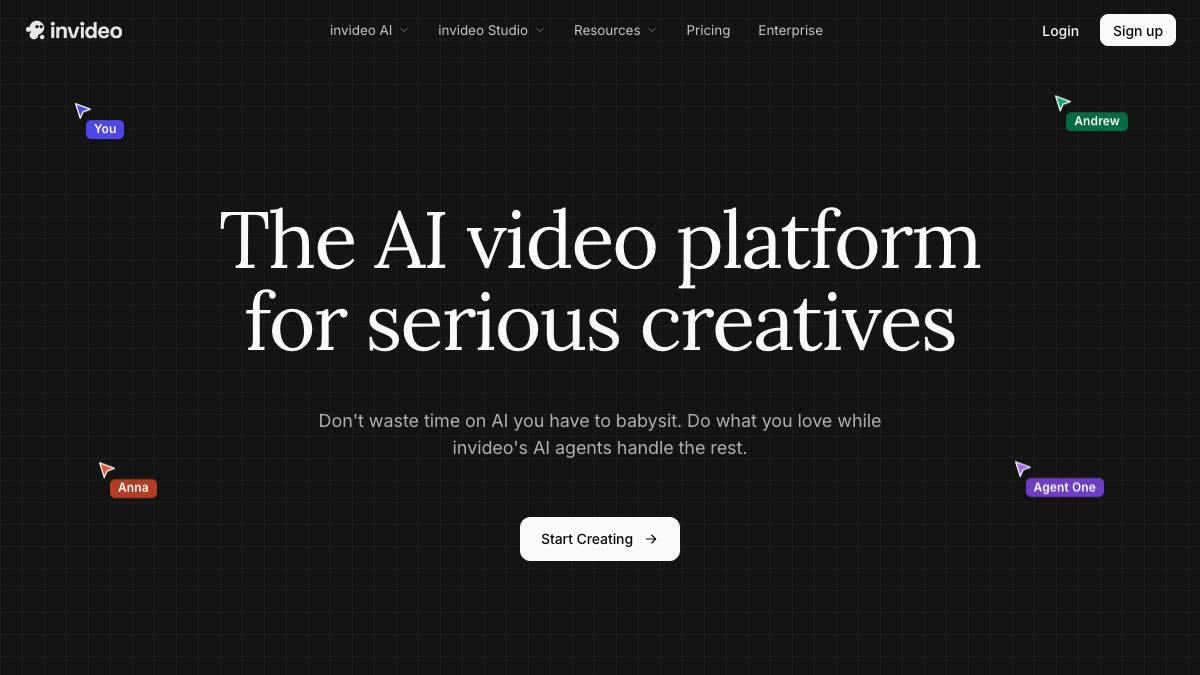
InVideo is an AI video creation platform that turns a text prompt, script, or idea into a full video with stock footage, AI voiceover, music, and captions, which the user then refines in a timeline editor. Its AI flow drafts a script, selects media, and assembles scenes from a single prompt, and can generate longer videos (reportedly up to around 30 minutes from one prompt on its v4/agent workflow). The product routes to a range of third-party generative models (it advertises access to Sora 2, Google Veo 3.1, Kling, Seedance, ElevenLabs voices and others) alongside a large stock library. InVideo is aimed at solo creators, marketers, and social media teams who want to produce marketing, YouTube, and short-form videos quickly. It is a generate-then-edit creator tool rather than a hands-off agent: the human writes the prompt, reviews the draft, and edits and exports the final video.
What it can do
Generate a full video from a text prompt
SupervisedTurns a prompt, script, or idea into a draft video with scenes, stock footage, AI voiceover, music, and captions, which the user then edits. InVideo describes its agent workflow as producing up to around 30 minutes of video from a single prompt.
sourceEdit videos with natural-language commands
AssistantLets users revise a draft by typing instructions (for example changing footage, voice, or pacing) and offers a timeline editor for manual changes, captions, and brand assets.
sourceRoute to multiple generative video and image models
AssistantAdvertises access to a range of third-party models including OpenAI Sora 2, Google Veo 3.1, Kling, Seedance, and image models, plus ElevenLabs voices, selectable inside the InVideo dashboard.
sourceAI voiceover, voice cloning, and translation
AssistantGenerates human-like AI voiceovers in multiple languages, supports voice cloning, and offers video translation and subtitle generation.
source
Strengths
- +Fast prompt-to-video that drafts script, footage, voiceover, and music in one pass
- +Access to many third-party generative models (reportedly Sora 2, Veo 3.1, Kling, Seedance) and a large stock library in one place
- +Generous-feeling free tier and natural-language editing make it approachable for non-editors
Limitations
- −Credit-based pricing means heavy generative use (especially premium models) can get expensive; unused credits do not roll over
- −AI-assembled output usually needs human editing to look polished; it is a creator tool, not a hands-off agent
- −Quality and consistency depend on the underlying third-party model selected
Overview
InVideo is an AI video creation platform that turns a text prompt, script, or idea into a full draft video with scenes, stock footage, AI voiceover, music, and captions, which the user then refines in a timeline editor. It is aimed at creators, marketers, and social teams who want to make video fast without manual editing skills.
What it does
From a single prompt, InVideo drafts a script, selects media, and assembles scenes, and its agent workflow reportedly produces up to around 30 minutes of video from one prompt. Users can revise the draft with natural-language commands or edit manually on a timeline, add captions and brand assets, generate AI voiceovers, clone voices, and translate videos. The platform advertises access to many third-party generative models (it lists OpenAI Sora 2, Google Veo 3.1, Kling, Seedance, image models, and ElevenLabs voices) selectable from the InVideo dashboard, alongside a large stock library.
Integrations & setup
InVideo runs in the browser (with a mobile app) and pulls from stock providers such as iStock and Storyblocks. It exposes an API for programmatic generation. Voice and music come via integrated providers including ElevenLabs.
Pricing
Freemium. A free plan adds a watermark and limits exports. Paid plans use a credit-based model (credits are spent on generation and premium models, and unused credits do not roll over). InVideo's own pricing page does not list fixed USD figures for every tier; third-party reviews report paid plans starting around $20/mo billed annually, with higher tiers unlocking more AI minutes, stock credits, voice clones, and premium models like Sora 2 and Veo 3.1. Prices are reported by third parties and change frequently, so verify on the official pricing page.
Best for / not for
Best for solo creators, marketers, and social teams who want fast prompt-to-video and do not need frame-perfect output. Less suited to anyone wanting fully hands-off generation, predictable flat-rate costs, or studio-grade polish without human editing.
Alternatives
Runway and Pika are closer pure text-to-video and image-to-video generators; CapCut and Descript cover editing-first workflows; Synthesia and HeyGen focus on avatar-presented videos; Opus Clip and Creatify target repurposing and ad creative.
What people are saying
We aggregate real LinkedIn discussion into sentiment for the agents people search most. InVideo isn't tracked yet, want it added? Request tracking.
Used this agent?
Sign in to upvote, rate, follow, or leave a comment.
FAQ
What is InVideo used for?+
Creating marketing, social, and YouTube videos from a text prompt or script. InVideo drafts a video with stock footage, AI voiceover, music, and captions, which the user then edits and exports.
Is InVideo an autonomous AI agent?+
Not really. InVideo markets an AI agent workflow that drafts a full video from a single prompt, but the human writes the prompt, reviews the draft, and edits and finalizes the video, so it functions as a copilot for video creation rather than an end-to-end autonomous agent.
Which AI models does InVideo use?+
InVideo advertises access to a range of third-party generative models, including OpenAI Sora 2, Google Veo 3.1, Kling, and Seedance for video, plus ElevenLabs for voice, selectable from its dashboard, alongside its own workflow on top.
Sources
- InVideo AI (official site) · accessed 2026-06-20
- InVideo pricing (official) · accessed 2026-06-20
- Video creation and editing platform InVideo raises $15 million (TechCrunch) · accessed 2026-06-20
Last reviewed 2026-06-20